01 Focus
A window becomes active. Its border lights up in the theme accent, the others dim and step back.
Skyland Personal computing
A Hyprland-inspired desktop experience for macOS. Window management, fluid animations and a liquid interface. A personal cyberspace built around the way I work.
01 / Window management
Skyland brings a Hyprland-inspired workflow to macOS, combining tiling, workspaces, window groups and fluid transitions. It is a fork of AeroSpace: everything AeroSpace does stays, with what makes Hyprland feel like Hyprland on top.
New windows split the focused tile on the side of the cursor. alt j toggles the split, alt + drag swaps tiles.
alt g turns a container into tabs with a tabs bar on top; alt n cycles through them.
alt s slides a scratchpad over the layout. Window rules float, size or send apps to a workspace.
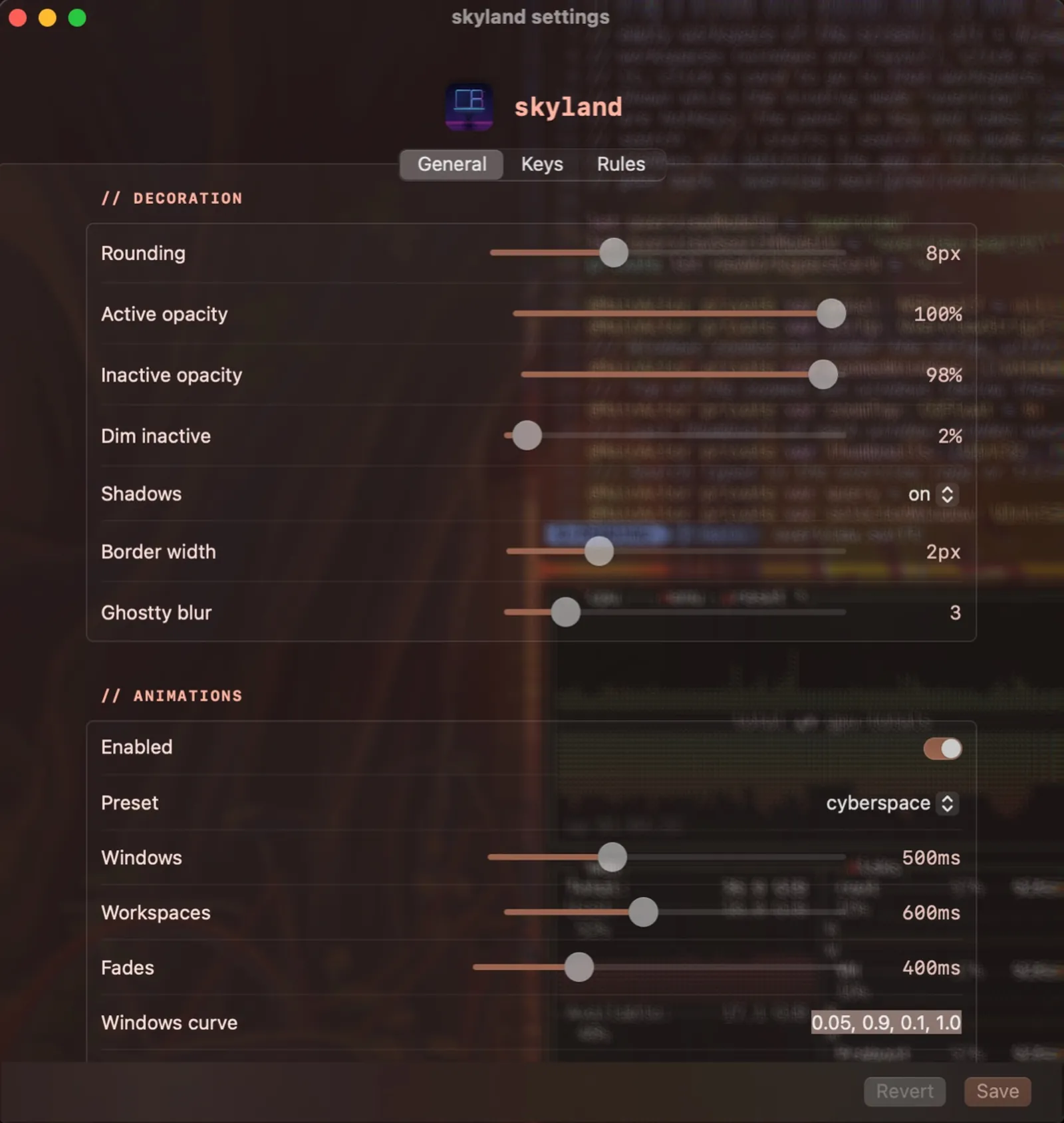
bezier lines pasted from a hyprland.confSchematic illustration, eased with Skyland's default windows-bezier = 0.05, 0.9, 0.1, 1.0.
Workspaces
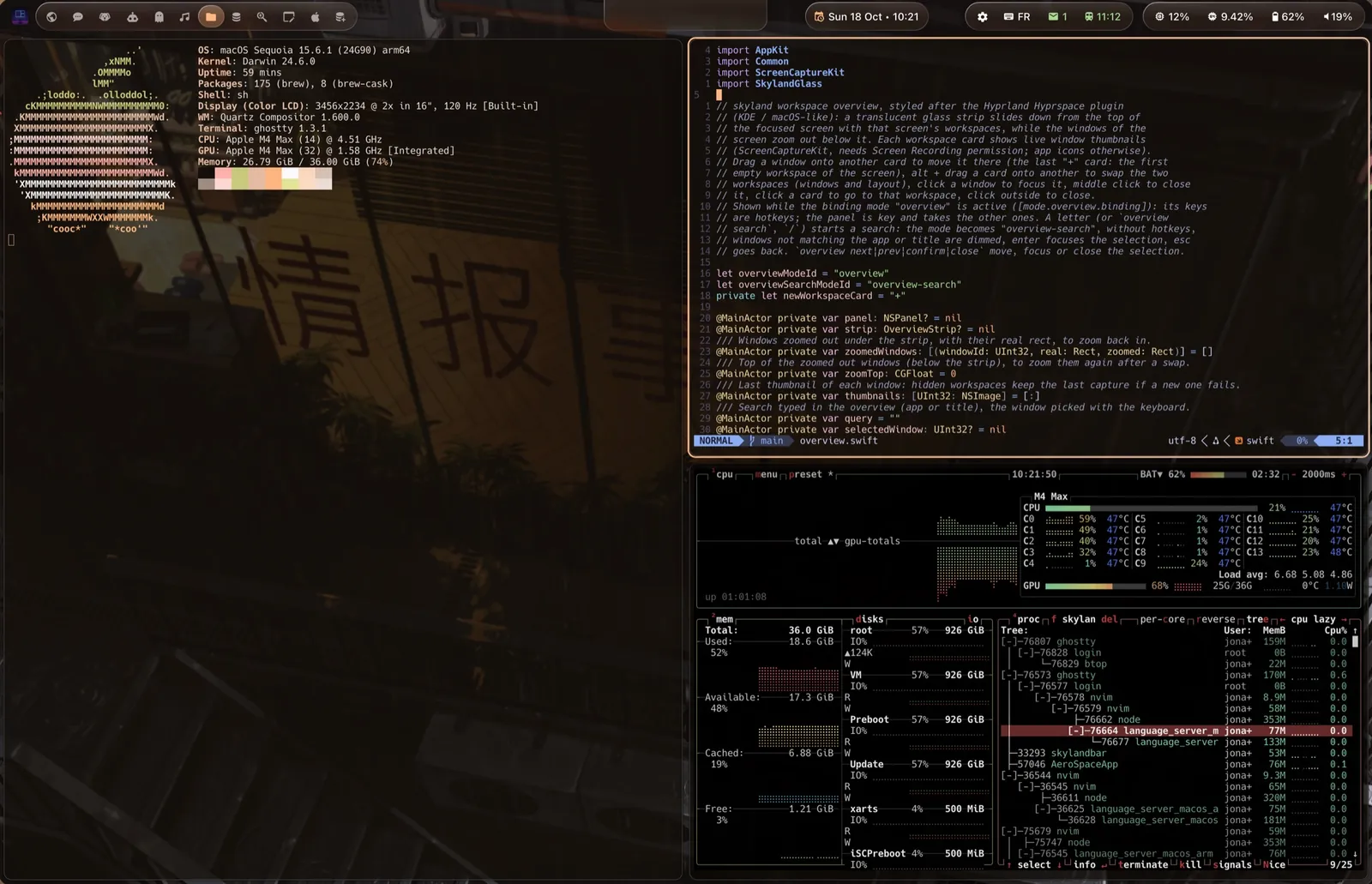
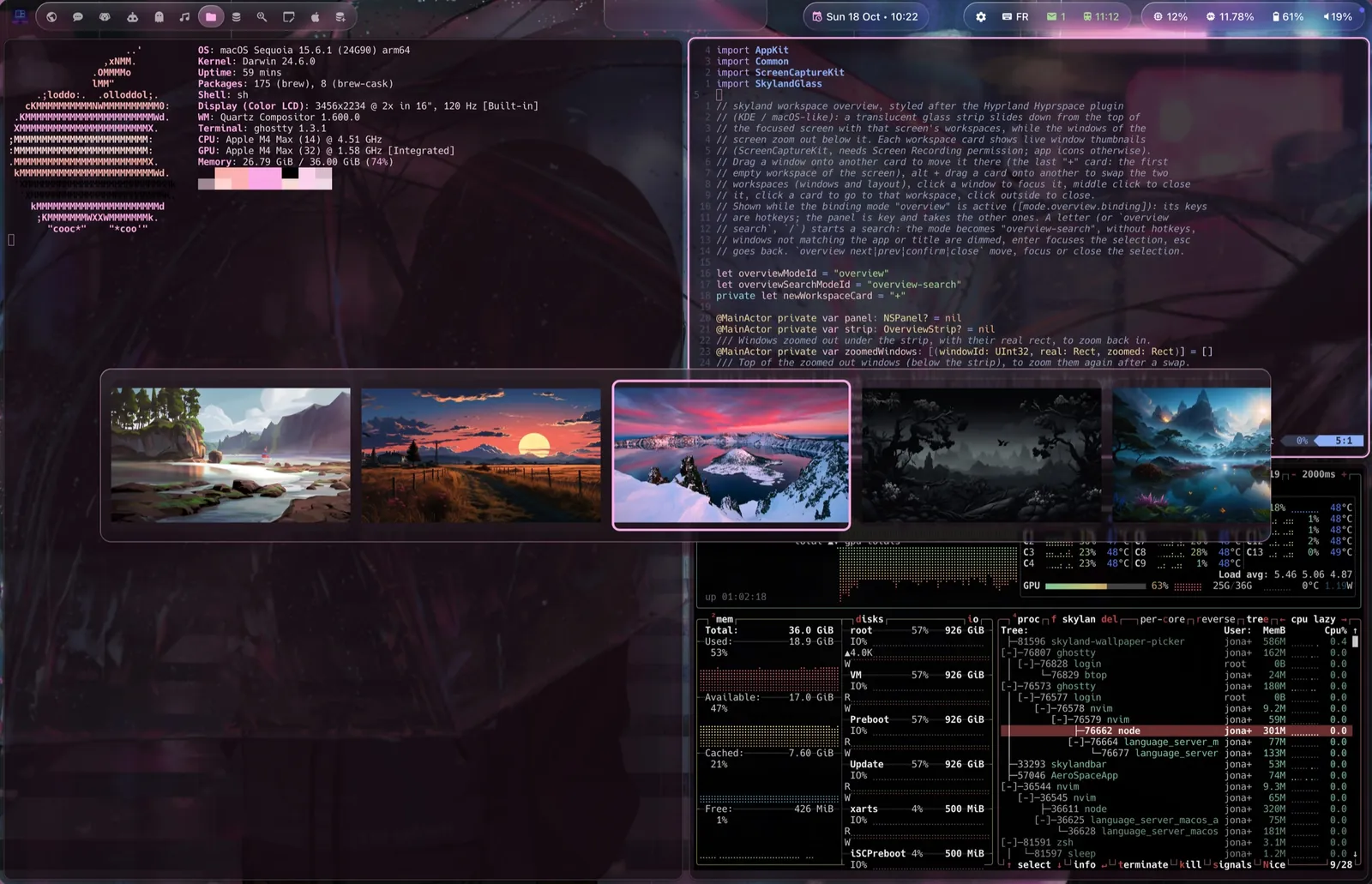
Code, web, system, media: each workspace keeps its windows and its layout. cmd 1…0 jumps there; with the trackpad, the windows follow your fingers.
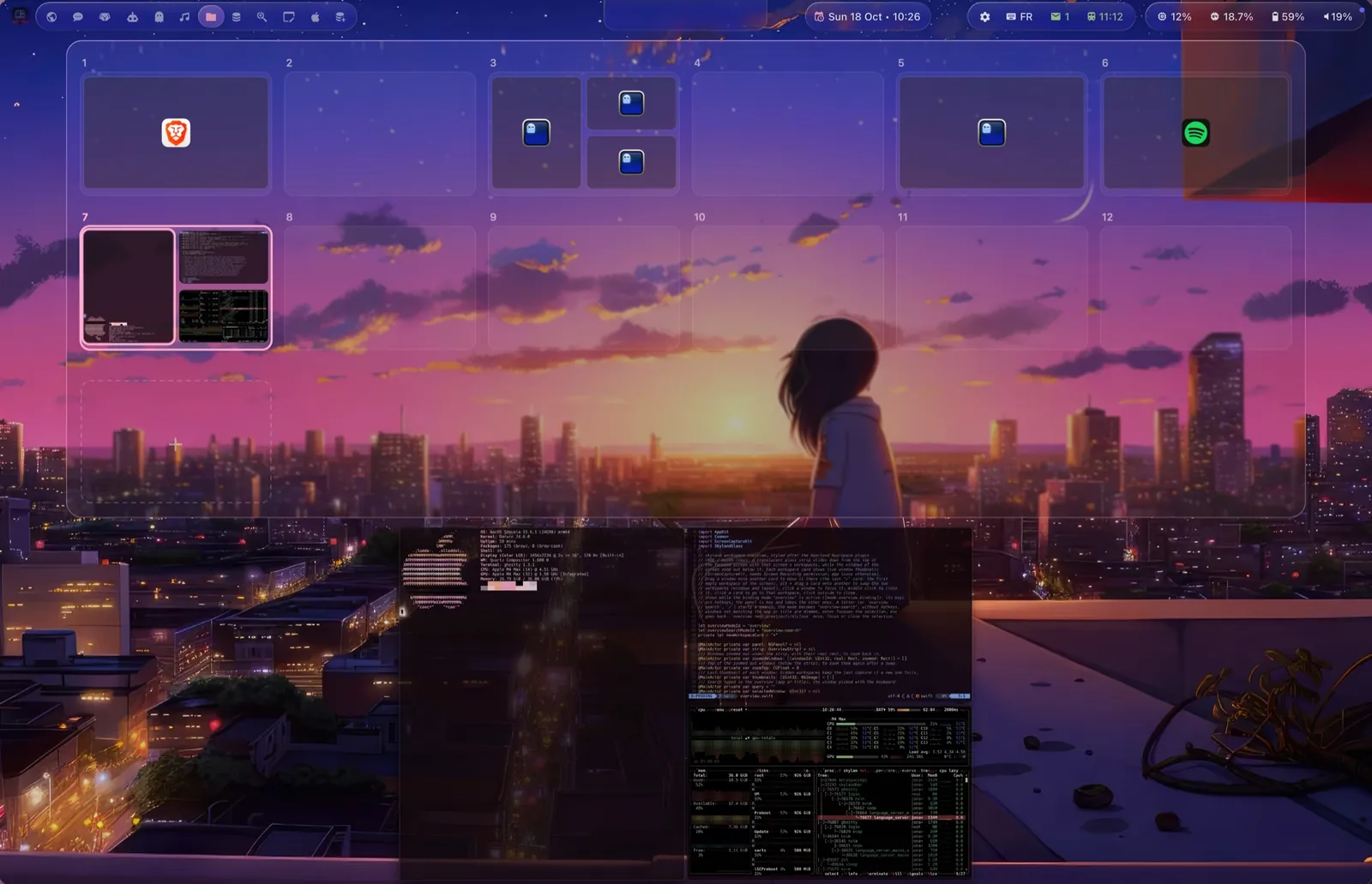
Above: an illustration. Below: the real workspace overview, cmd ↑ — every workspace as a glass card with its windows in place.
02 / Interface design
This is where macOS elegance meets the motion language of Hyprland.
A window becomes active. Its border lights up in the theme accent, the others dim and step back.
A window rezzes into the layout through a scan line — the cyberspace preset — while another shrinks away.
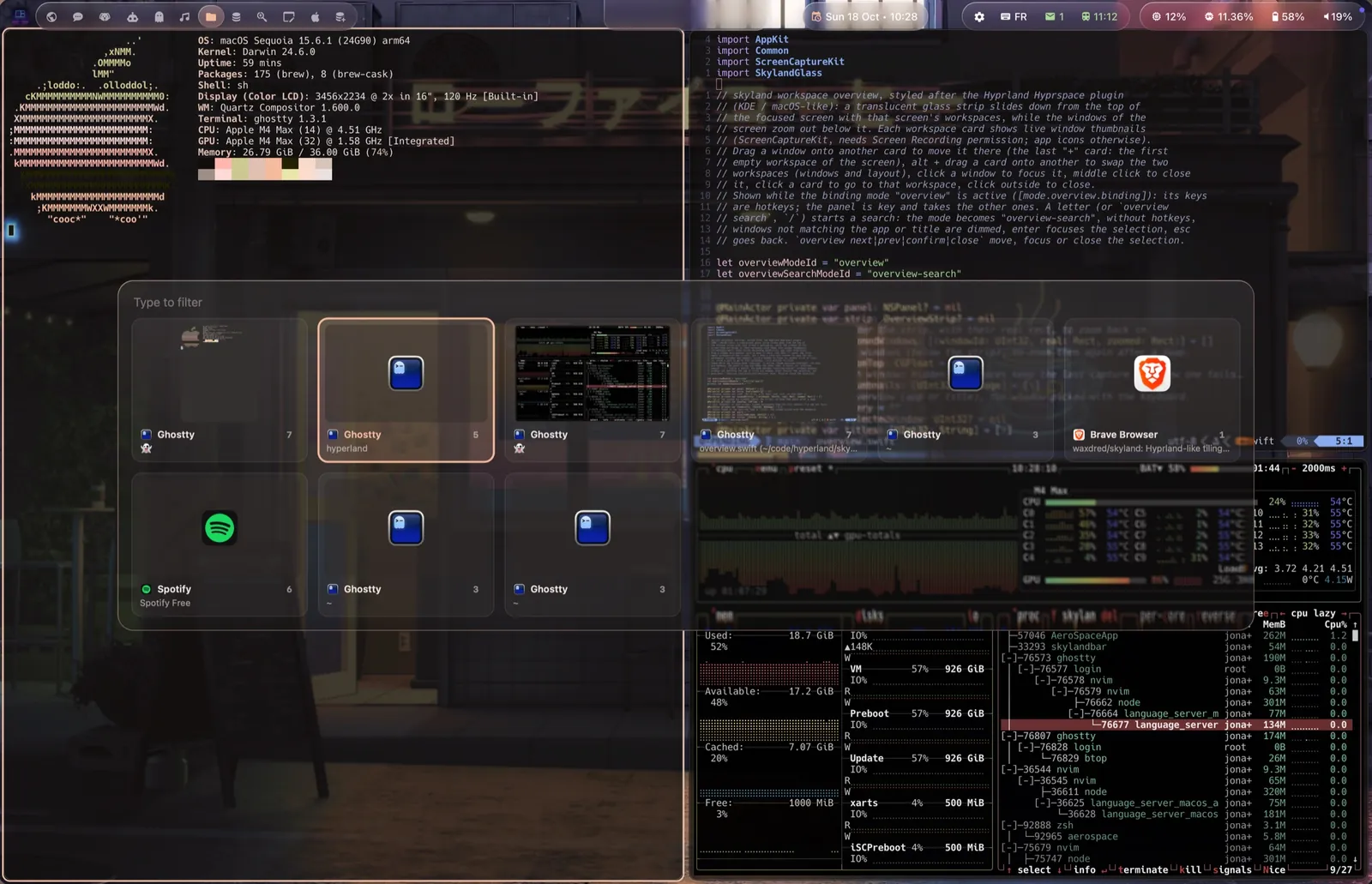
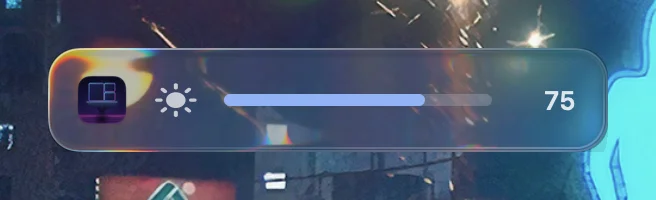
A translucent panel unfolds above the desktop. The background blurs, the highlights shift, and the content arrives in a clear hierarchy.
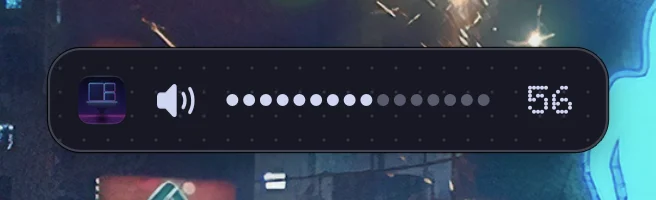
These three accents belong to this website. Skyland itself ships the 43PR themes (Catppuccin, Nord, Tokyo Night, Rosé Pine…) and can build its colors from your wallpaper. Its panels come in three styles: metal, Liquid Glass, and glyph — black, white dots and one red, with the glyph-dark and glyph-light themes.
03 / System experience
SkylandBar extends the desktop with a macOS-like system bar in Liquid Glass. It speaks SketchyBar's language, so existing configs and plugins run unchanged.

The bar is a real screenshot; the popup below it is an illustration of a glass popup.
Items, groups and popups in glass: Apple's on macOS 26, a refraction shader on older versions. A selection lens flows between workspaces. Or flat and dotted, with the glyph theme.
Workspaces with their apps, the focused window title, modes — read from Skyland's socket, no script to wire.
The bar tells Skyland its height. No value to keep in sync, and a TOML config reloaded live.
04 / Cyberspace tools
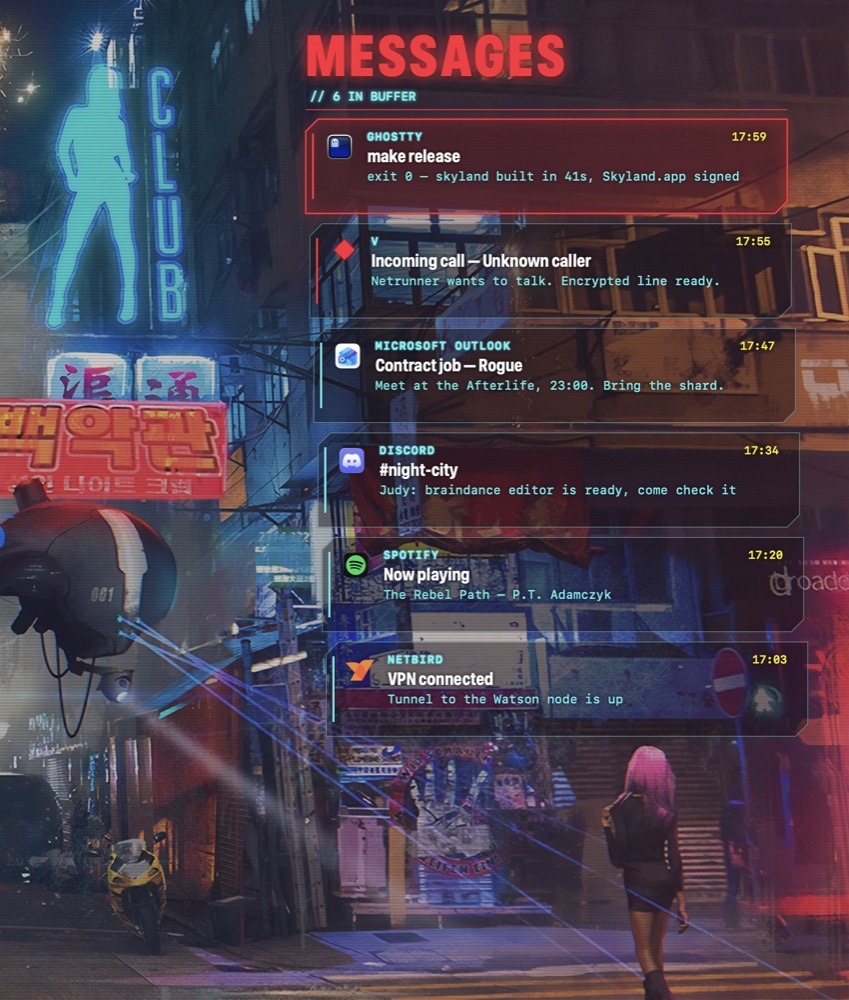
An apps launcher, a messages panel and a HUD with live system data — the cyberpunk side of the same universe, bound to the keys you already use.
skyland-cyberdeck on GitHubA see-through “eye implant” deck: a curved column of apps, type to search.
Notification Center history and script messages as neon contact cards.
Clock, calendar, connections, CPU, RAM, network, battery and herdr agents.
skyland-cyberdeck notify -t TITLE -b BODY
skyland-cyberdeck list --json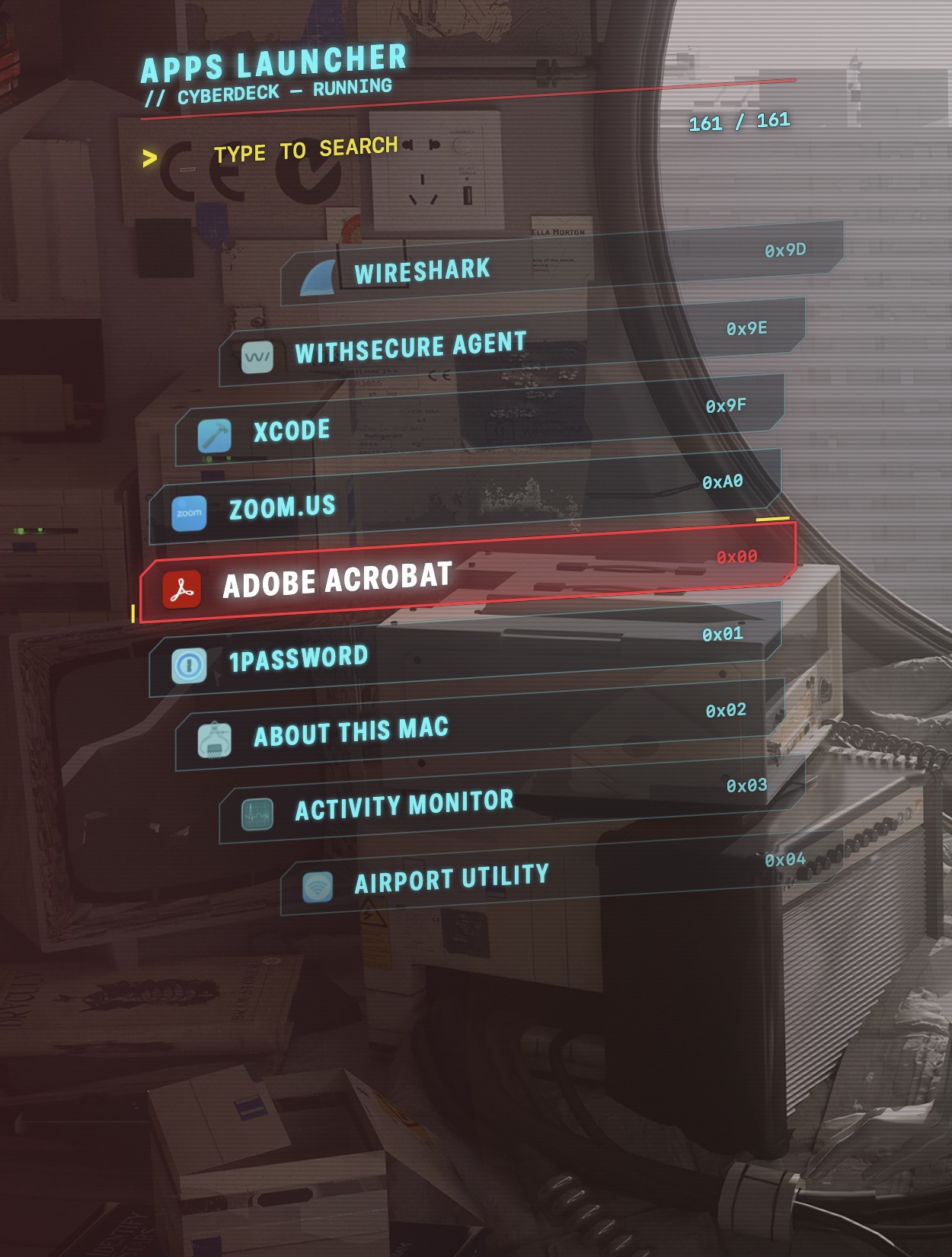
The ecosystem
Skyland stars on GitHub
The window management experience. Tiling, workspaces, groups, animations and Liquid Glass panels.
github.com/waxdred/skyland
SkylandBar stars on GitHub
A refined system bar.
github.com/waxdred/skylandBar
Skyland Cyberdeck stars on GitHub
A personal interface for applications and messages.
github.com/waxdred/skyland-cyberdeck
Built for the curious
A personal experiment in reshaping the macOS experience — one window, one animation and one idea at a time.
Dwindle, groups, submaps and bezier lines come straight from Hyprland; the look from the 43PR dotfiles.
A scripting addition in the Dock steps window transforms and alpha every 8 ms. The animation engine has its own browser lab.
Private SkyLight signatures recovered by reverse engineering the dyld shared cache. How it works.
A config file, live settings, recorded keys, per-app rules, themes as CSS.
Window manager, bar and cyberdeck share the same glass, the same accent and the same socket. Changelog.
Skyland is an evolving open-source project. Explore the code, follow the progress and help shape the experience.
brew install waxdred/tap/skyland && skyland install